Nodejs - Create simple static server with Nodejs
Note: This post is over 11 years old. The information may be outdated.
With this simple package, you can create your own static server simply by Nodejs. Vietnamese version: https://blog.duyet.net/2015/08/tao-server-static-don-gian-bang-nodejs.html
Installation
$ npm install static-html-server -g
Folder tree structure
I created a project directory structure is as follows:
- index.html
- style.css
With path is: ~/project/test-static-server

Start server
I started server by using:
$ static-html-server -p 8888 -r ~/project/test-static-server
And with:
- -p 8888 is the port of static server, by default is 7788.
- -r ~/project/test-static-server is the path to root folder project, default is current folder location.
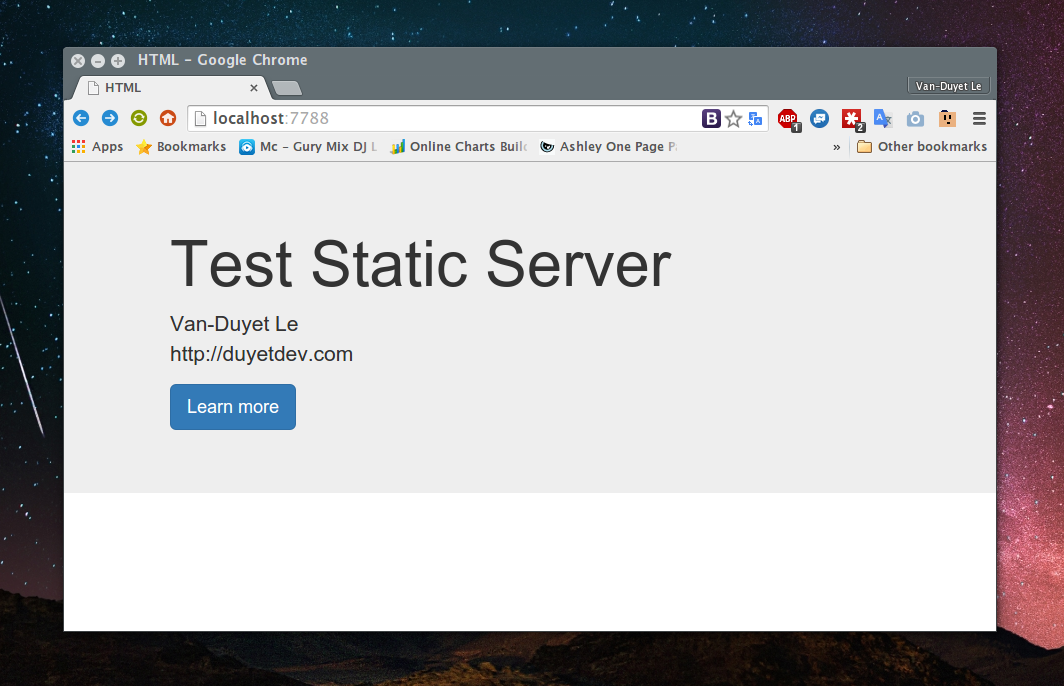
Open your browser and enter to location: http://localhost:8888
Result is:
Github Project
Github repo: https://github.com/duyet/static-html-server
Related Posts
Resting và Spreading JavaScript Objects
Resting và spreading càng ngày được ưa chuộng vì sự tiện lợi của nó, sau đây là 7 tricks với JavaScript objects.
Cách sử dụng Destructuring trong Javascript ES6
Destructuring là chức năng mới trong ES6 của Javascript. Giúp extract dữ liệu (có thể lồng nhau) từ Array hoặc Object.
Deploy production Node.js với PM2 và Nginx
Cách cài đặt và triển khai production Node.js project với Nginx và PM2.
Nodejs - Mã hóa mật khẩu
Mã hóa mật khẩu người dùng trước khi lưu vào database là 1 chuyện bắt buộc phải làm đối với bất cứ 1 website nào. Không riêng gì ai, Nodejs cũng hỗ trợ khá nhiều thư viện để hỗ trợ việc mã hóa này.