Super Simple Shorten URL với Firebase Dynamic Links
Note: This post is over 7 years old. The information may be outdated.
goo.gl đã shutdown, và được thay thế bằng Dynamic Link của Firebase. Mình đã sử dụng API của Dynamic Link và Firebase viết ứng dụng Shorten URL mới siêu đơn giản như dưới đây. Bài viết này mình xin hướng dẫn một chút và chia sẽ mã nguồn, cũng như cách deploy siêu đơn giản của Google Firebase.
Demo: https://s.duyet.net

Mã nguồn: https://github.com/duyet/firebase-shorten-url
Service sử dụng:
- Firebase Functions
- Firebase Hosting
- Dynamic Link
Bước 1: Cài đặt Firebase Functions
theo các bước ở đây: https://firebase.google.com/docs/functions/get-started bao gồm
- Set up Node.js and the Firebase CLI
- Initialize Firebase SDK for Cloud Functions
- Kích hoạt Dynamic Link
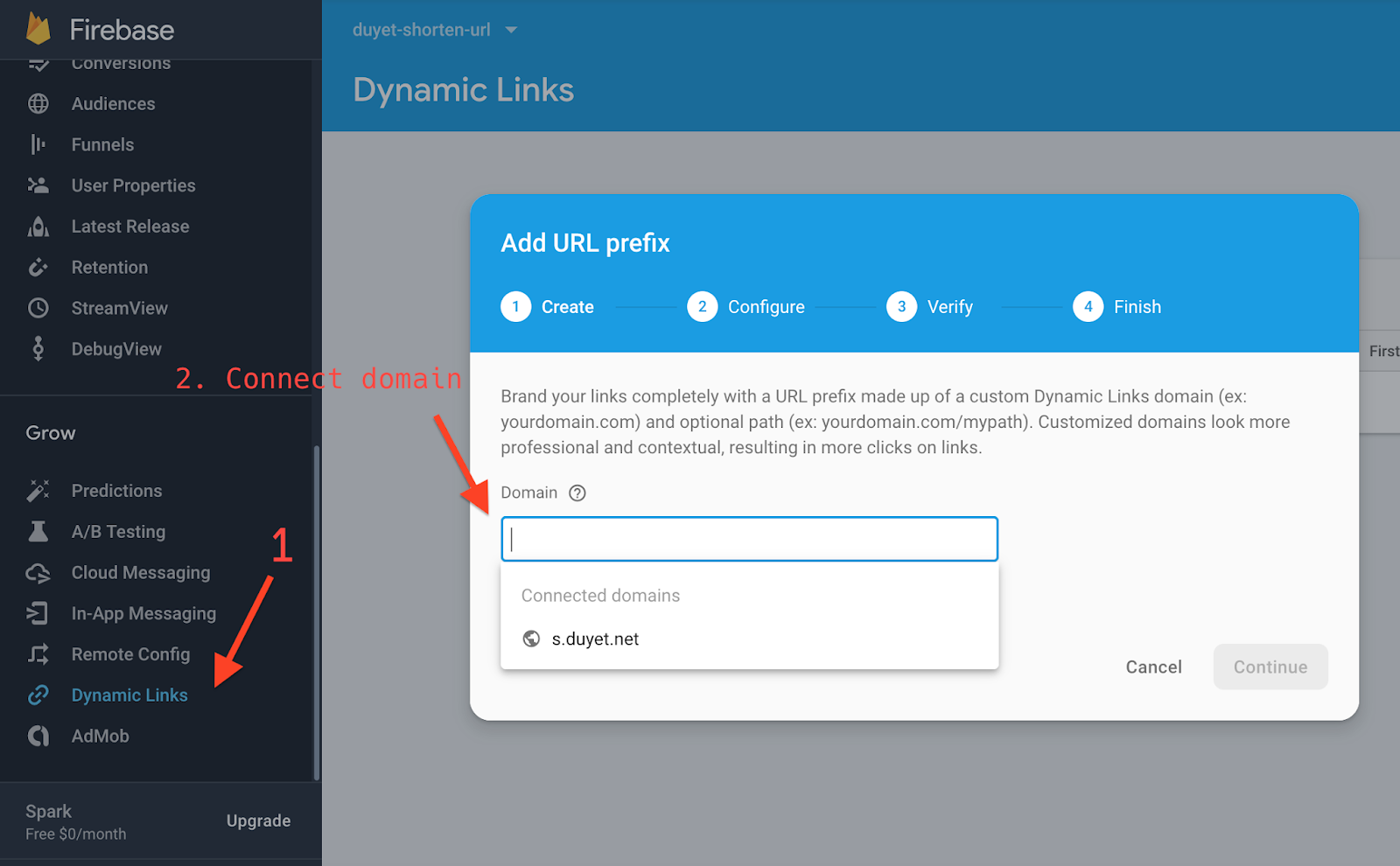
- Mã nguồn cho API
addUrl
const axios = require('axios')

// The Cloud Functions for Firebase SDK to create Cloud Functions and setup triggers.
const functions = require('firebase-functions')

// The Firebase Admin SDK to access the Firebase Realtime Database.
const admin = require('firebase-admin')
const app = admin.initializeApp()

const config = functions.config().config
const apiKey = process.env.API_KEY || config.api_key || app.options_.apiKey
const firebaseDynamicLinkApi = `https://firebasedynamiclinks.googleapis.com/v1/shortLinks?key=${apiKey}`
const domainUriPrefix = config.domain_uri_prefix || 'https://duyeturl.page.link'

exports.addUrl = functions.https.onRequest(async (req, res) => {
  const link = req.query.url || req.body.url || null

  try {
    let result = await axios.post(firebaseDynamicLinkApi, {
      dynamicLinkInfo: {
        domainUriPrefix,
        link,
      },
      suffix: {
        option: 'SHORT',
      },
    })

    res.json(result.data)
  } catch (e) {
    console.error(e.message)
    res.status(500).json('error')
  }
})
- Deploy Firebase Functions:
firebase deploy --only functions
Bước 2: Firebase Hosting, Web UI
Website mình sử dụng Gatsby React, mã nguồn tại thư mục hosting: https://github.com/duyet/firebase-shorten-url/tree/master/hosting
API và Redirect link, cấu hình trong firebase.json, chú ý dòng rewrites /api/add và /r/**
{
    "functions": {
    "predeploy": [
        "npm --prefix \"$RESOURCE_DIR\" run lint"
    ],
    "source": "functions"
    },
    "hosting": {
    "cleanUrls": true,
    "trailingSlash": false,
    "public": "hosting/public",
    "ignore": [
        "firebase.json",
        "**/.*",
        "**/node_modules/**"
    ],
    "rewrites": [
        { "source": "/api/add", "function": "addUrl" },
        { "source": "/r/**", "dynamicLinks": true },
        {
        "source": "**",
        "destination": "/index.html"
        }
    ]
    }
}
Để test local, mở 2 terminal để chạy firebase functions và Gatsby hosting:
firebase serve
cd hosting && npm run develop
Để build và deploy hosting:
cd hosting && npm run build && firebase deploy
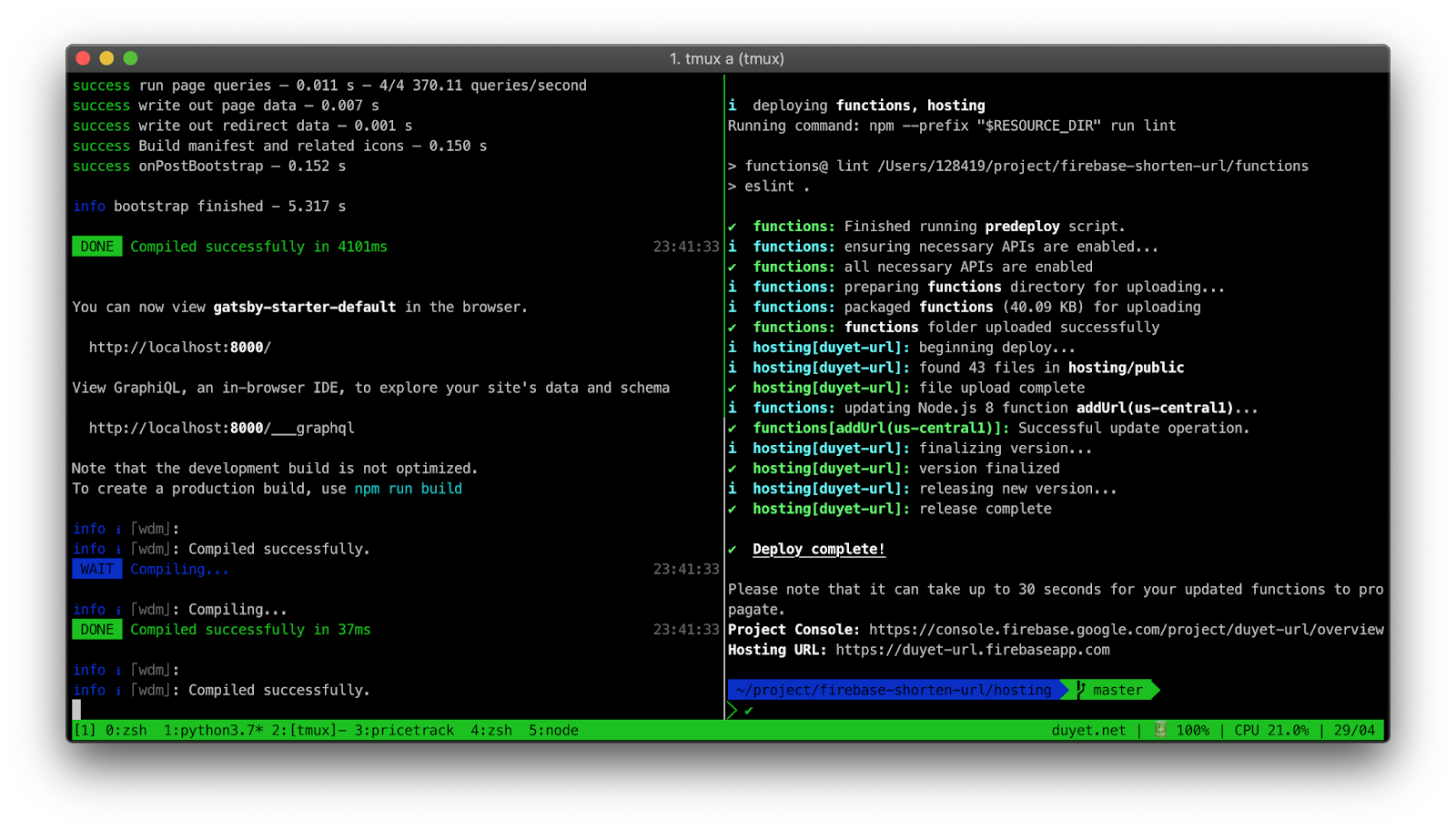
Kết quả: https://s.duyet.net
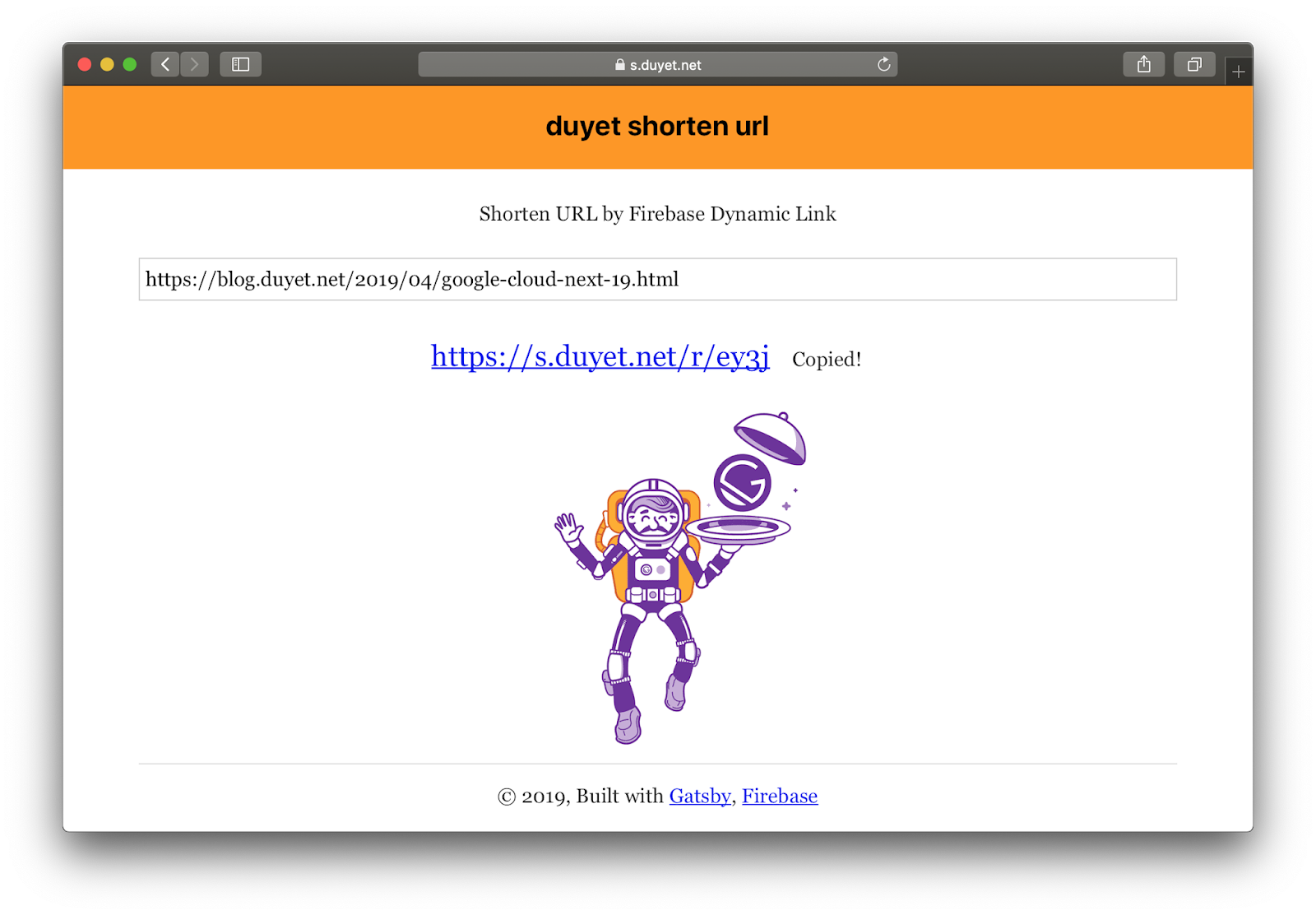
Hiện tại link được tạo bởi Dynamic Link không hiện trên Firebase Dashboard, và chưa thể custom được keyword như trên Firebase Dashboard.
Tham khảo
Related Posts
Migrate (again) to Next.js 13 Pro Max
I've been using Gatsby since 2019 and while it's great that I can write my blogs in NeoVim, commit and push to Github, and have Cloudflare Pages build and publish to CDN, but I was becoming frustrated with the slow building times and the overall maintenance requirements.
Pricetrack: theo dõi giá và cashback (by Firebase)
Pricetrack (https://pricetrack.web.app) là một side project nhỏ của mình với chức năng theo dõi giá liên tục từ các trang TMDT (tiki.vn, shopee.vn, ...), thông báo và cashback hoàn tiền. Vì hay mua sắm nên pricetrack giúp mình check được giá ảo lên xuống thất thường, hoặc track khi nào có khuyến mãi thì mua. Khi giá thay đổi, giảm hoặc dưới ngưỡng mong muốn, tracker sẽ alert thông qua email hoặc push notification qua trình duyệt. Được build hoàn toàn từ Firebase của Google, trong lúc mình test các dịch vụ của nền tảng này thì pricetrack ra đời.
api.duyet.net
[https://api.duyet.net](https://api.duyet.net/) is now online. 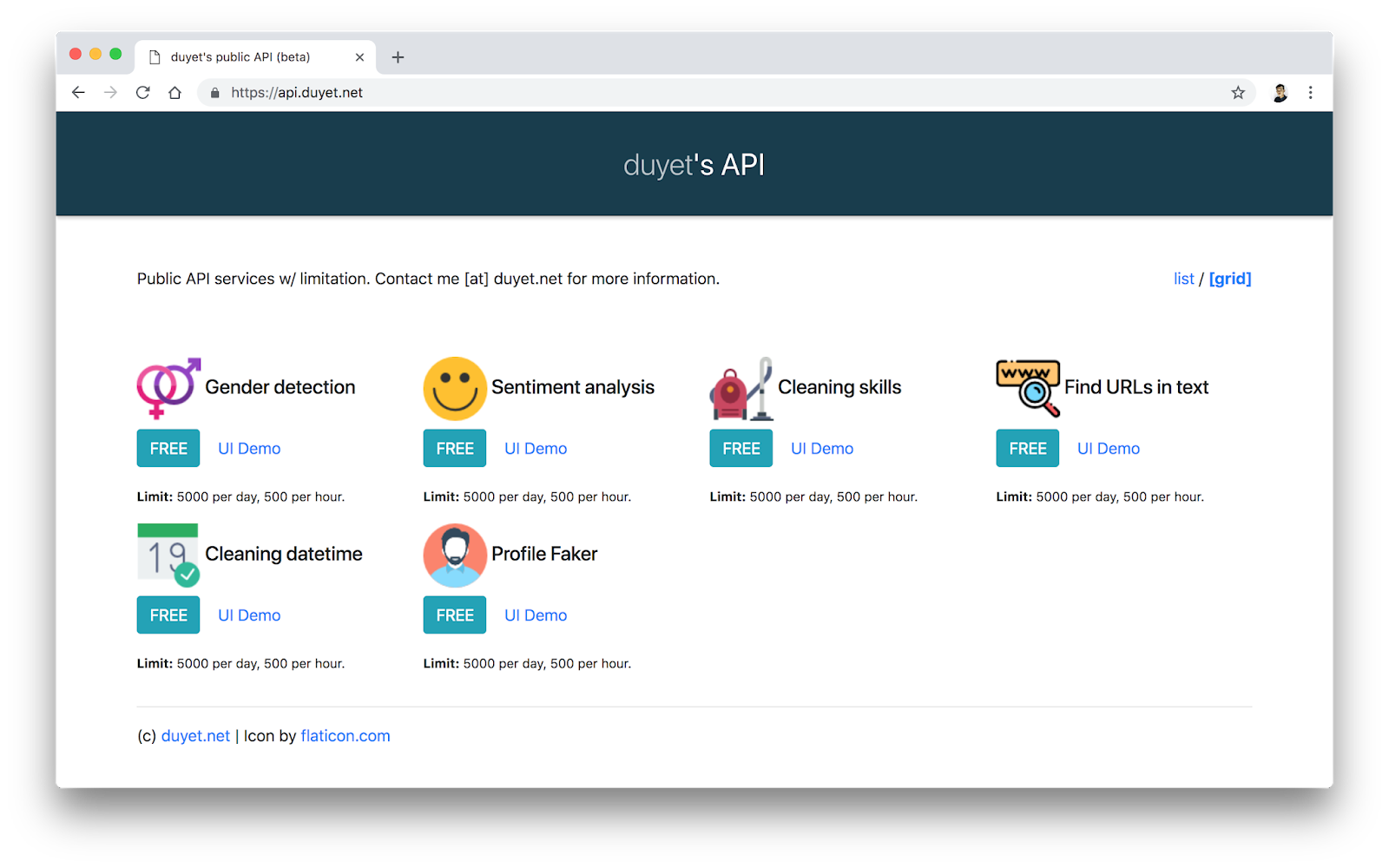 ...
Notibar.js
Notibar.js - Lightweight notification bar, no dependency.