Airflow Dataset (Data-aware scheduling)
Airflow since 2.4, in addition to scheduling DAGs based upon time, they can also be scheduled based upon a task updating a dataset. This will change the way you schedule DAGs.
An Airflow dataset is a stand-in for a logical grouping of data. Datasets may be updated by upstream “producer” tasks, and dataset updates contribute to scheduling downstream “consumer” DAGs.
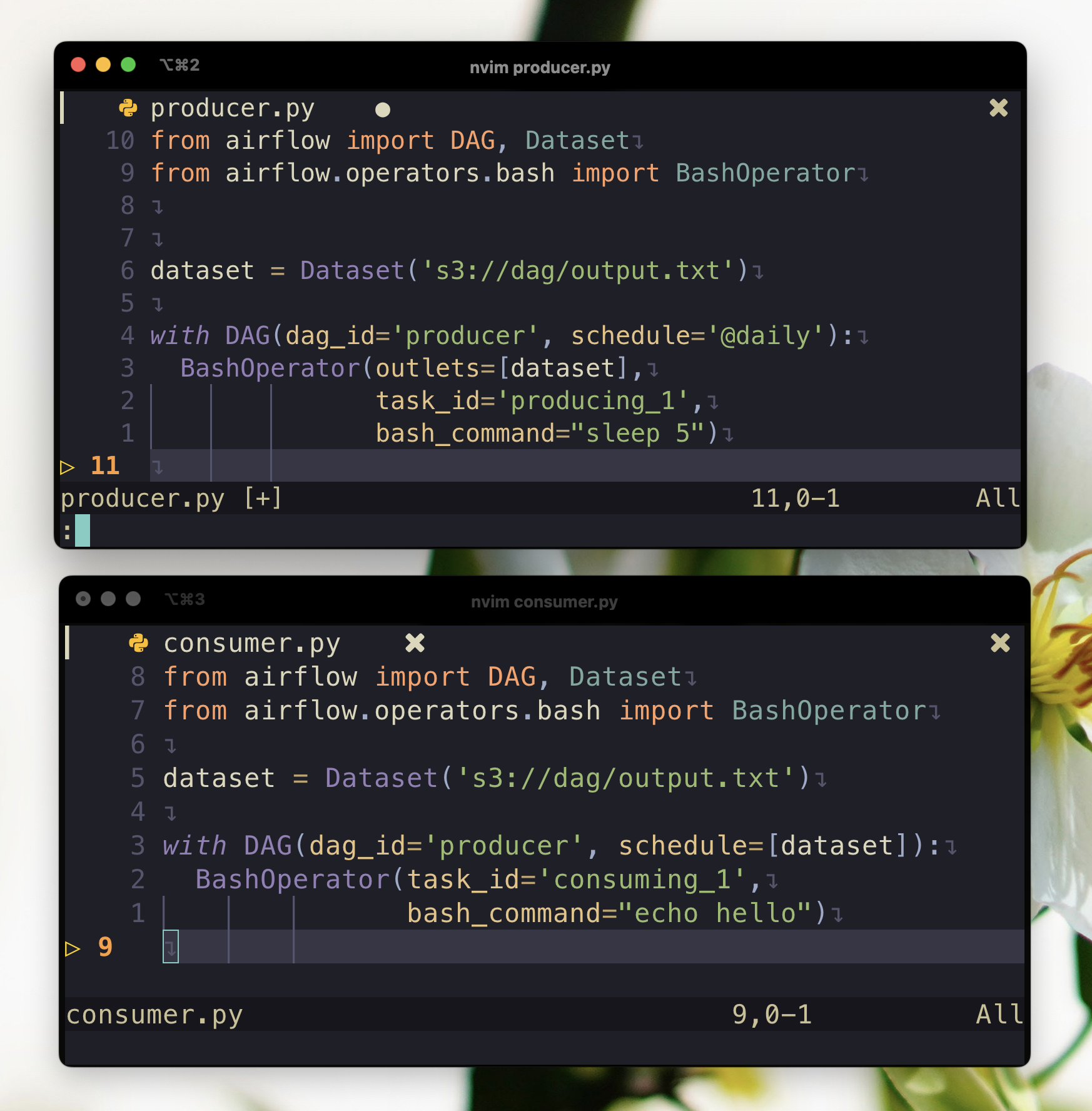
Please take a look at two DAGs below:
File: dag_producer.py
from pendulum import datetime
from airflow import DAG, Dataset
from airflow.operators.bash import BashOperator

dataset = Dataset('s3://dag/output.txt', extra={'hi': 'bye'})

start_date = datetime(2022, 1, 1)

with DAG(dag_id='producer', start_date=start_date, schedule='@daily'):
  BashOperator(outlets=[dataset],
               task_id='producing_1',
               bash_command="sleep 5")
File: dag_consumer.py
from pendulum import datetime
from airflow import DAG, Dataset
from airflow.operators.bash import BashOperator

dataset = Dataset('s3://dag/output.txt', extra={'hi': 'bye'})

start_date = datetime(2022, 1, 1)

with DAG(dag_id='consumer', start_date=start_date, schedule=[dataset]):
  BashOperator(task_id='consuming_1',
               bash_command="echo hello")
A dataset is defined by a Uniform Resource Identifier (URI):
dataset = Dataset('s3://dag/output.txt')
dataset = Dataset('/tmp/output.txt')
Airflow makes no assumptions about the data represented by the URI's content or location. It is treated as a string, therefore using regular expressions (e.g., input d+.csv) or file glob patterns (e.g., input 2022*.csv) to construct several datasets from a single declaration would failed. It is not necessary for the identifier to be an absolute URI; it can be a scheme-less, relative URI, or even a simple path or string:
# invalid datasets:
reserved = Dataset("airflow://example_dataset") # airflow:// is reserved scheme
not_ascii = Dataset("èxample_datašet")

# valid datasets:
schemeless = Dataset("//example/dataset")
csv_file = Dataset("example_dataset")
Datasets Chain
A consumer DAG can update another dataset which triggers another DAG.
dataset_1 = Dataset("/tmp/dataset_1.txt")
dataset_2 = Dataset("/tmp/dataset_2.txt")

with DAG(dag_id='dag_1', ...):
	BashOperator(task_id='task_1', outlets=[dataset_1], bash_command="sleep 5")

with DAG(dag_id='dag_2', schedule=[dataset_1], ...):
	BashOperator(task_id='task_2', outlets=[dataset_2], bash_command="sleep 5")

with DAG(dag_id='dag_3', schedule=[dataset_2], ...):
	BashOperator(task_id='task_3', bash_command="sleep 5")
Multiple Datasets
As the schedule parameter is a list, DAGs can require multiple datasets, and the DAG will be scheduled once all datasets it consumes have been updated at least once since the last time it was run:
with DAG(
    dag_id='multiple_datasets',
    schedule=[
        dataset_1,
        dataset_2,
        dataset_3,
    ],
    ...,
):
    ...
References
Related Posts
Airflow control the parallelism and concurrency (draw)
How to control parallelism and concurrency
DuckDB
In this post, I want to explore the features and capabilities of DuckDB, an open-source, in-process SQL OLAP database management system written in C++11 that has been gaining popularity recently. According to what people have said, DuckDB is designed to be easy to use and flexible, allowing you to run complex queries on relational datasets using either local, file-based DuckDB instances or the cloud service MotherDuck.
Running Spark in GitHub Actions
This post provides a quick and easy guide on how to run Apache Spark in GitHub Actions for testing purposes
GPT vs Traditional NLP Models
The field of Natural Language Processing (NLP) has seen remarkable advancements in recent years, and the emergence of the Generative Pre-trained Transformer (GPT) has revolutionized the way NLP models operate. GPT is a cutting-edge language model that employs deep learning to generate human-like text. Unlike conventional NLP models, which required extensive training on specific tasks, GPT is pre-trained on vast amounts of data and can be fine-tuned for various NLP tasks