My Neovim Setup in 2023
It's been years since I first started using neovim and I've been updating it regularly ever since.
I made changes to it by adding more plugins and beautiful color schemes, which were originally forked from Neovim-from-scratch.
I started managing all my packages using packer.nvim which has made things a lot easier. If you ever forget a key binding, the which-key.nvim plugin has been a lifesaver. And with the Copilot plugin, my coding productivity has skyrocketed.
I also have to give a shoutout to nvim-tree.lua for doing an amazing job and telescope.nvim for helping me find what I need quickly and easily.
If you're interested in my setup, you can check out my repo at https://github.com/duyet/nvim. And if you want to use it for yourself, just clone the repo to your ~/.config directory using the following command:
git clone https://github.com/duyet/nvim ~/.config/nvim
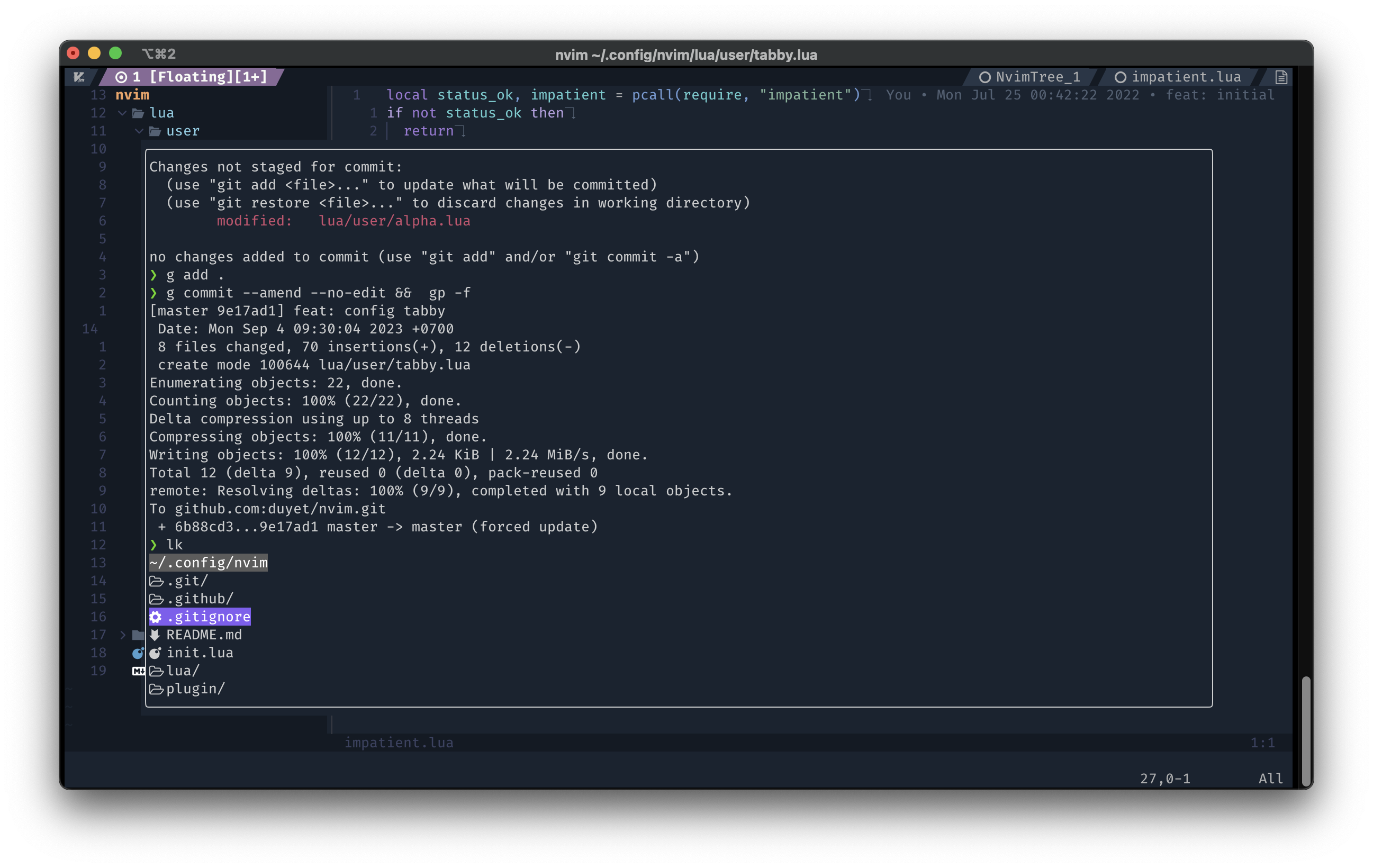
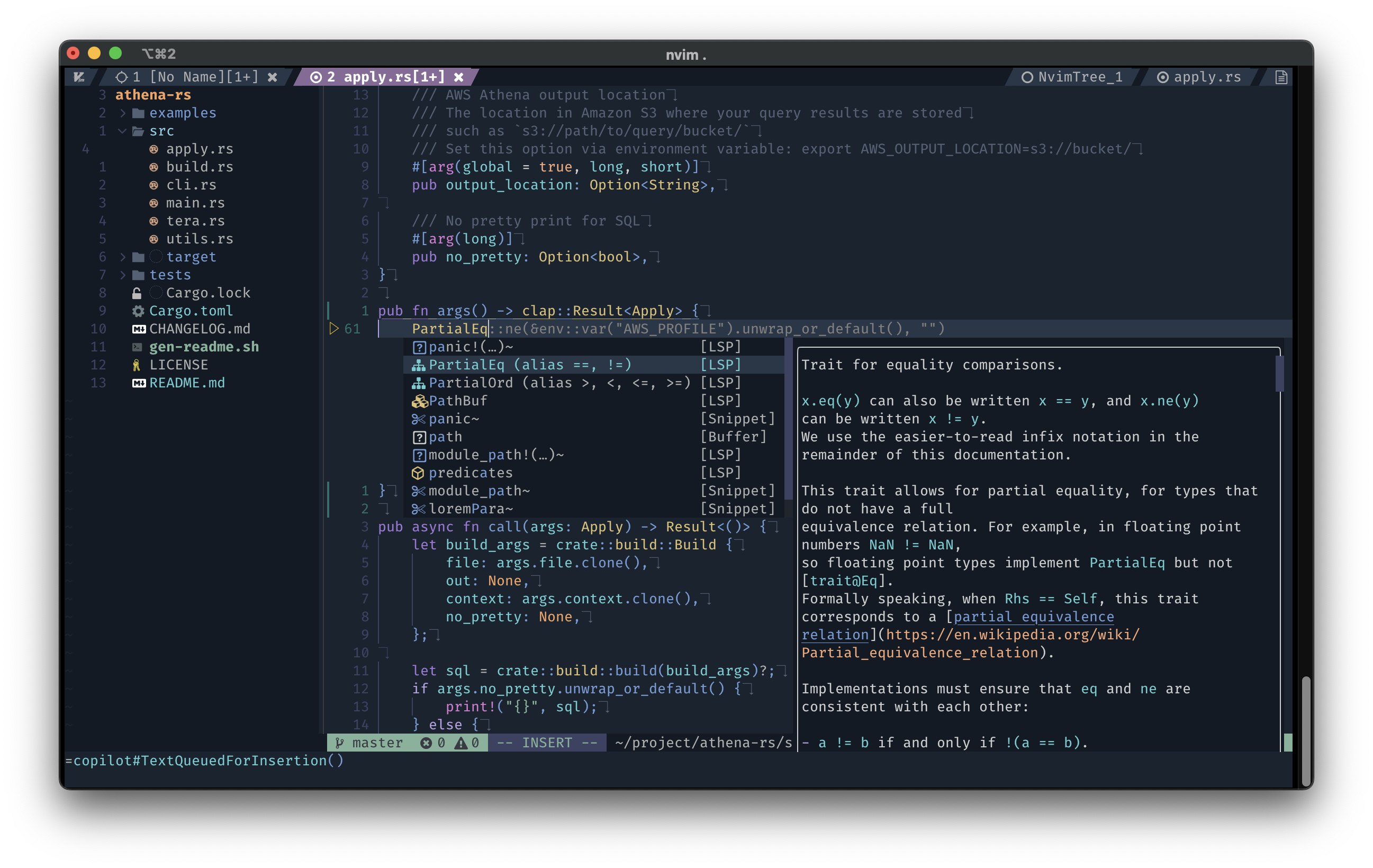
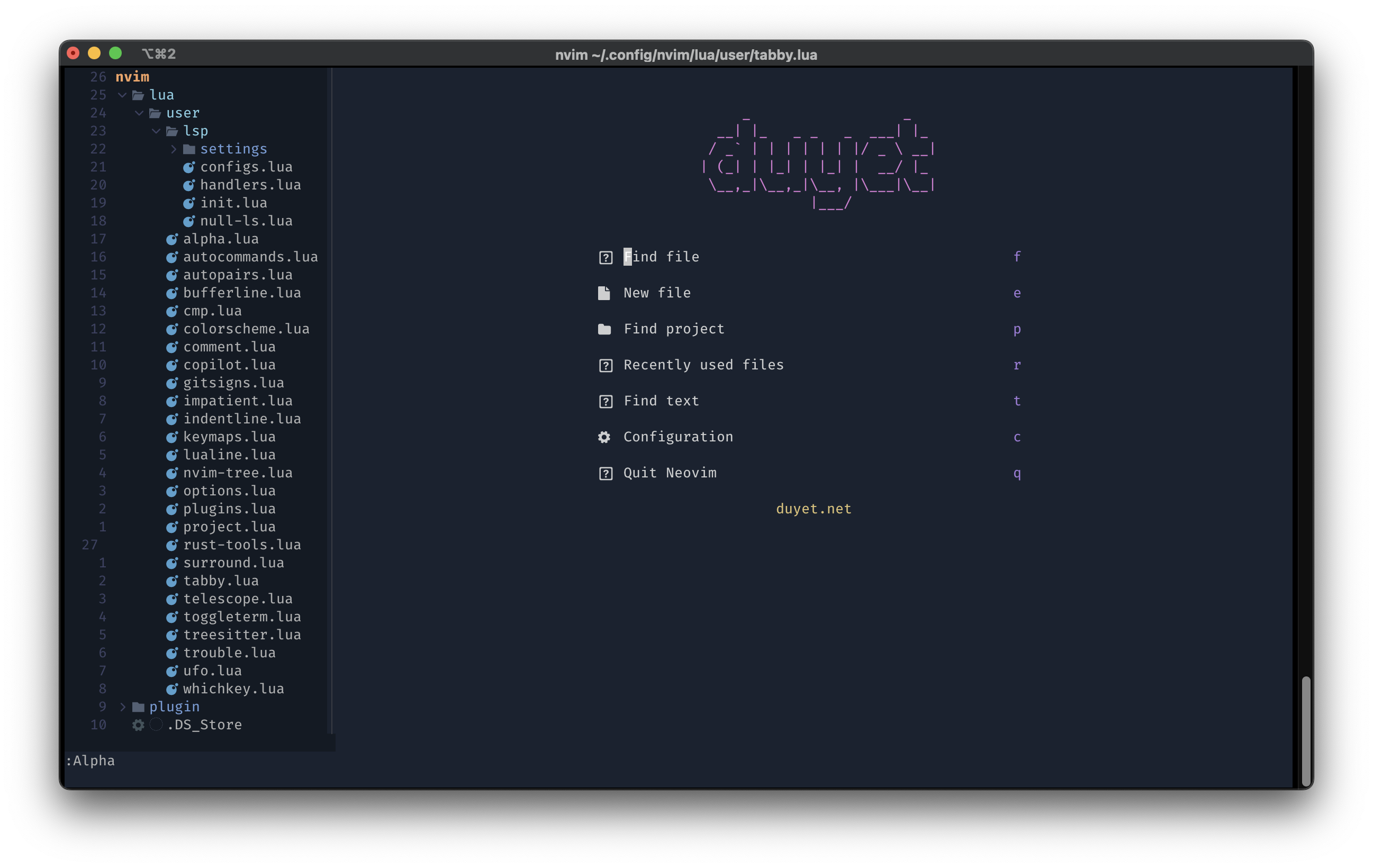
Now, take a look at some screenshots.




Related Posts
Migrating from Vim to NeoVim
I migrated to NeoVim, after six month with Vim.
Uptime with GitHub Actions
Hey, I just found this tool, so incredibly clever that it uses Github Actions for uptime monitor and status page.
From Docker to Podman on MacOS
I'm looking for some of alternatives for Docker. Currently, there are a few of container technologies which are Docker’s most direct competitors, such as rkt, Podman, containerd, ...
zx
A tool for writing better scripts. I usually choose to write a Python or Deno script instead of a shell script for more convenience. I found this tool is so great, helping to write the script quickly.